


Access Electronic Statements
Learn how to keep your finances organized, reduce your paper consumption, and protect yourself against identity theft and mail fraud through our e-Statements tutorial.
Log In
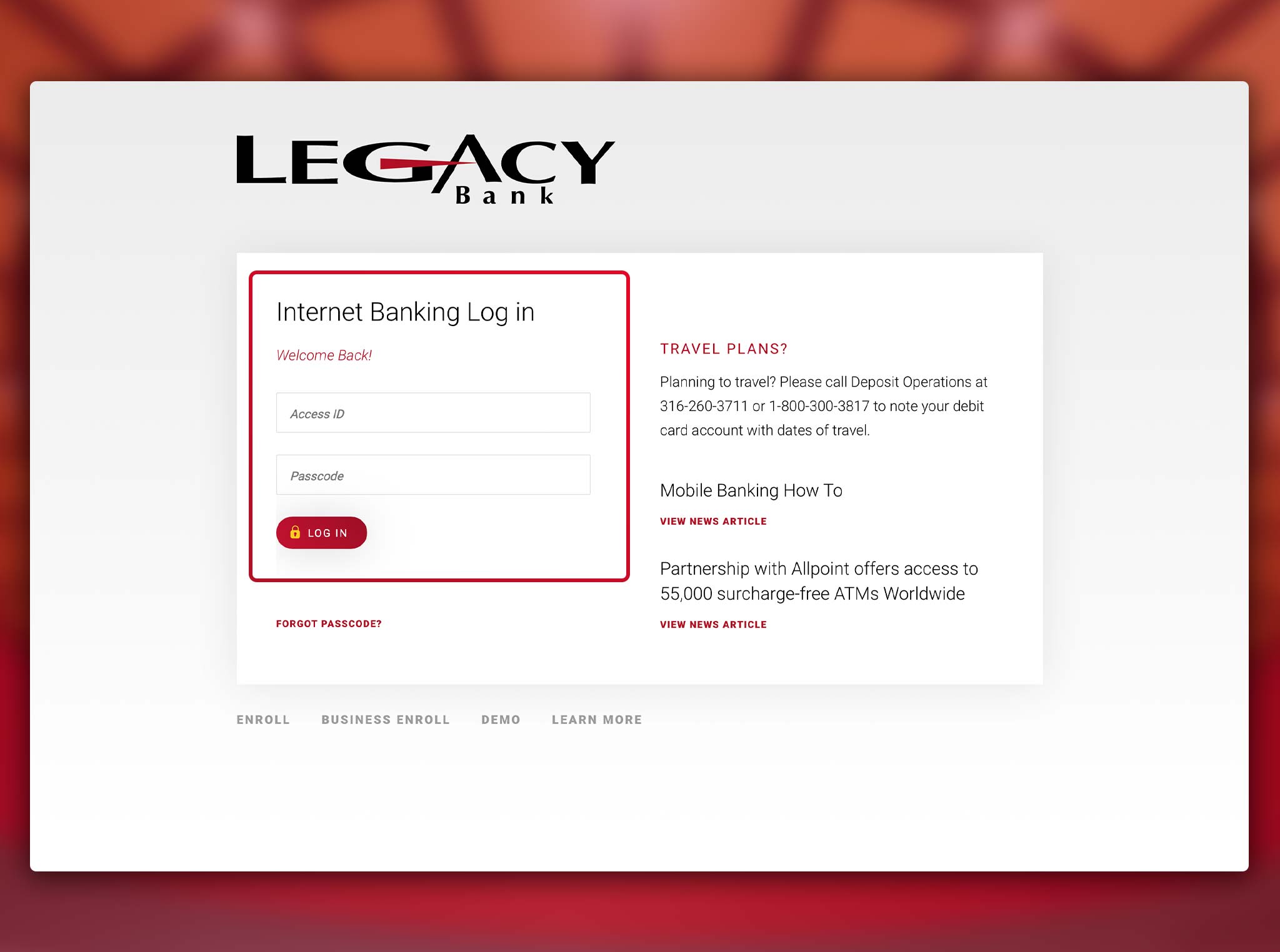
Log in to the Legacy Bank Online Banking portal.
Select Your Account
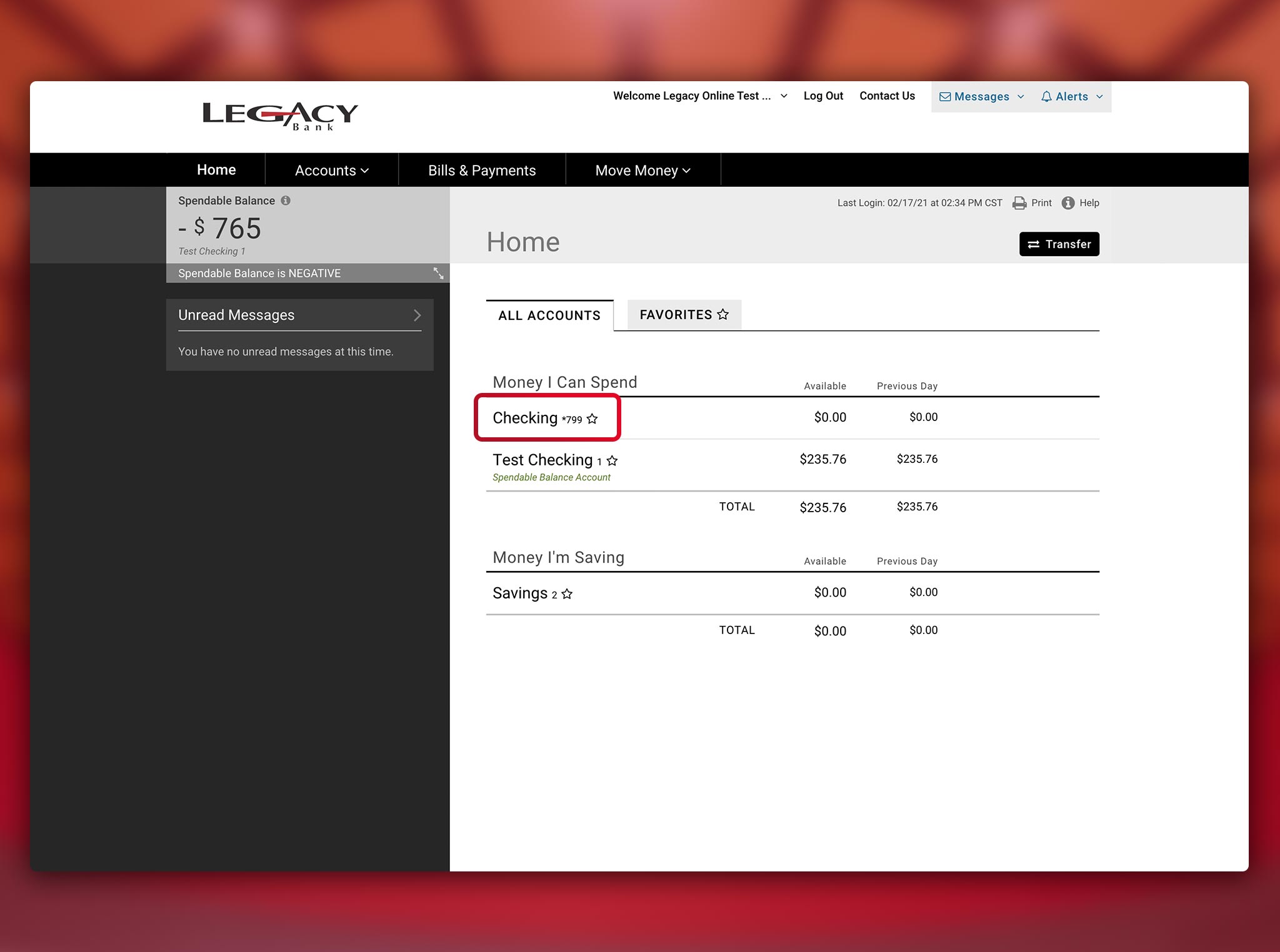
Select the account you would like to receive e-Statements for on the homepage.
Statements
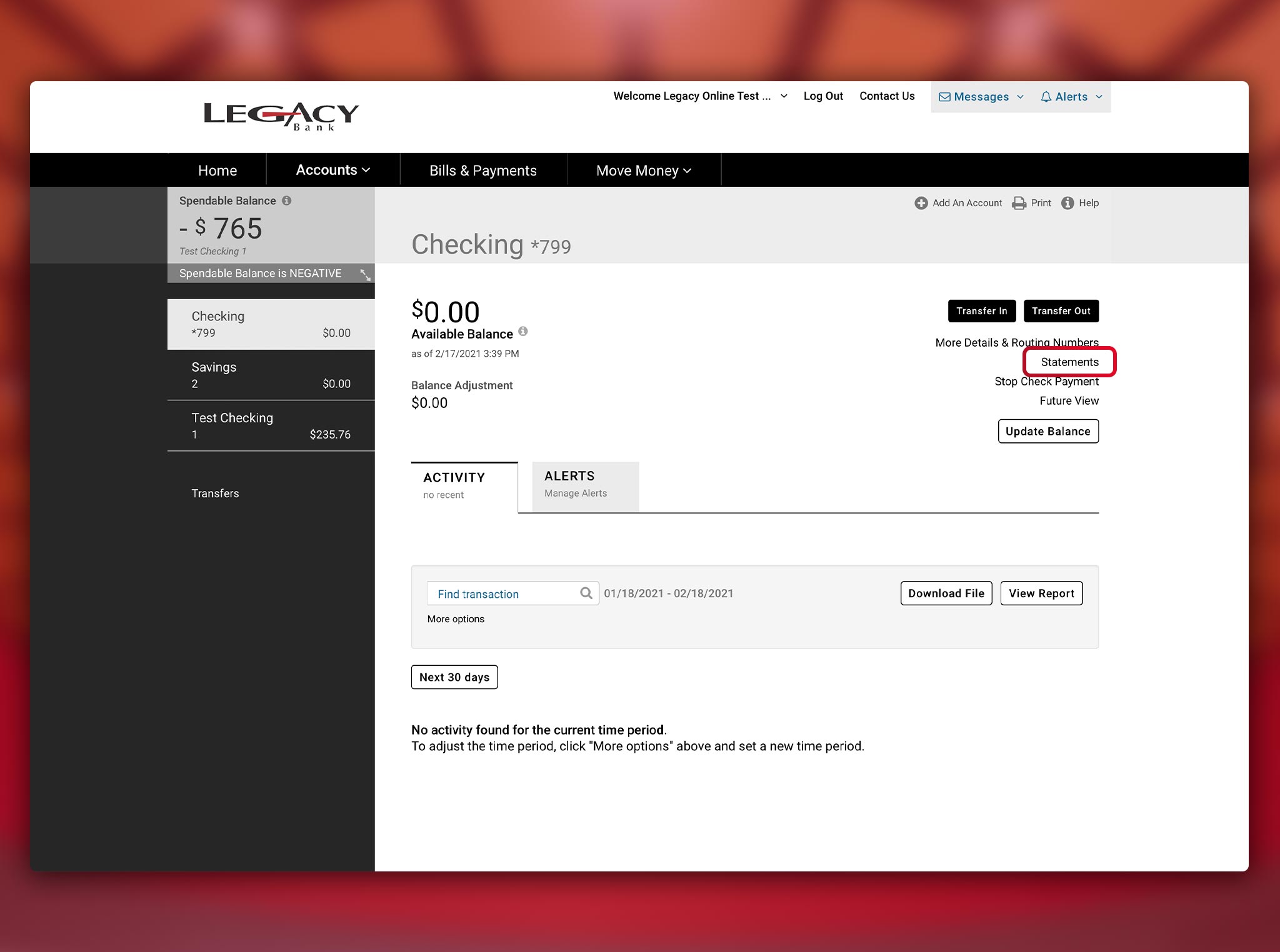
Select “Statements” from the right side of the page.
E-Statement Delivery
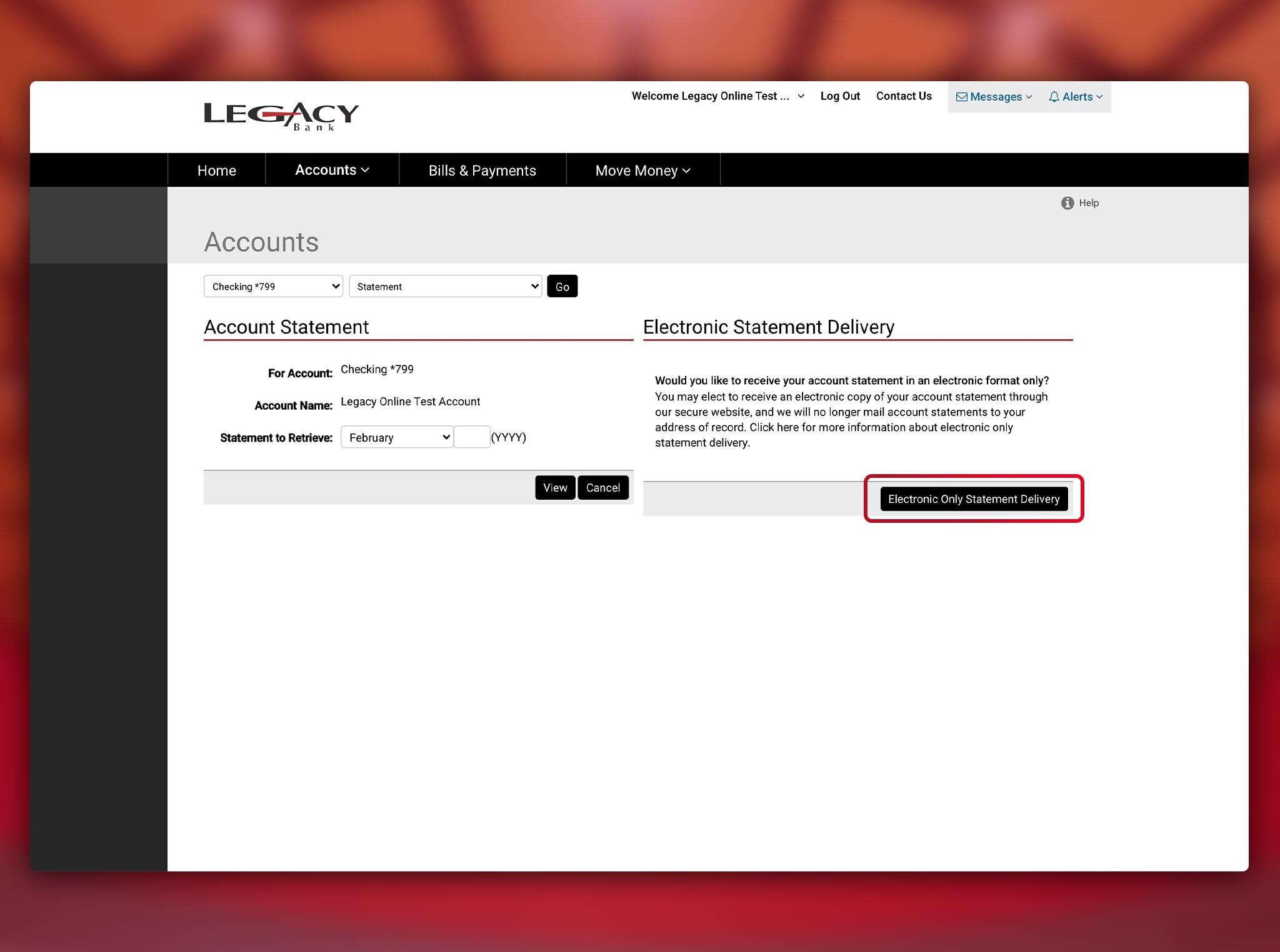
Select “Electronic Statement Delivery”.
Accept
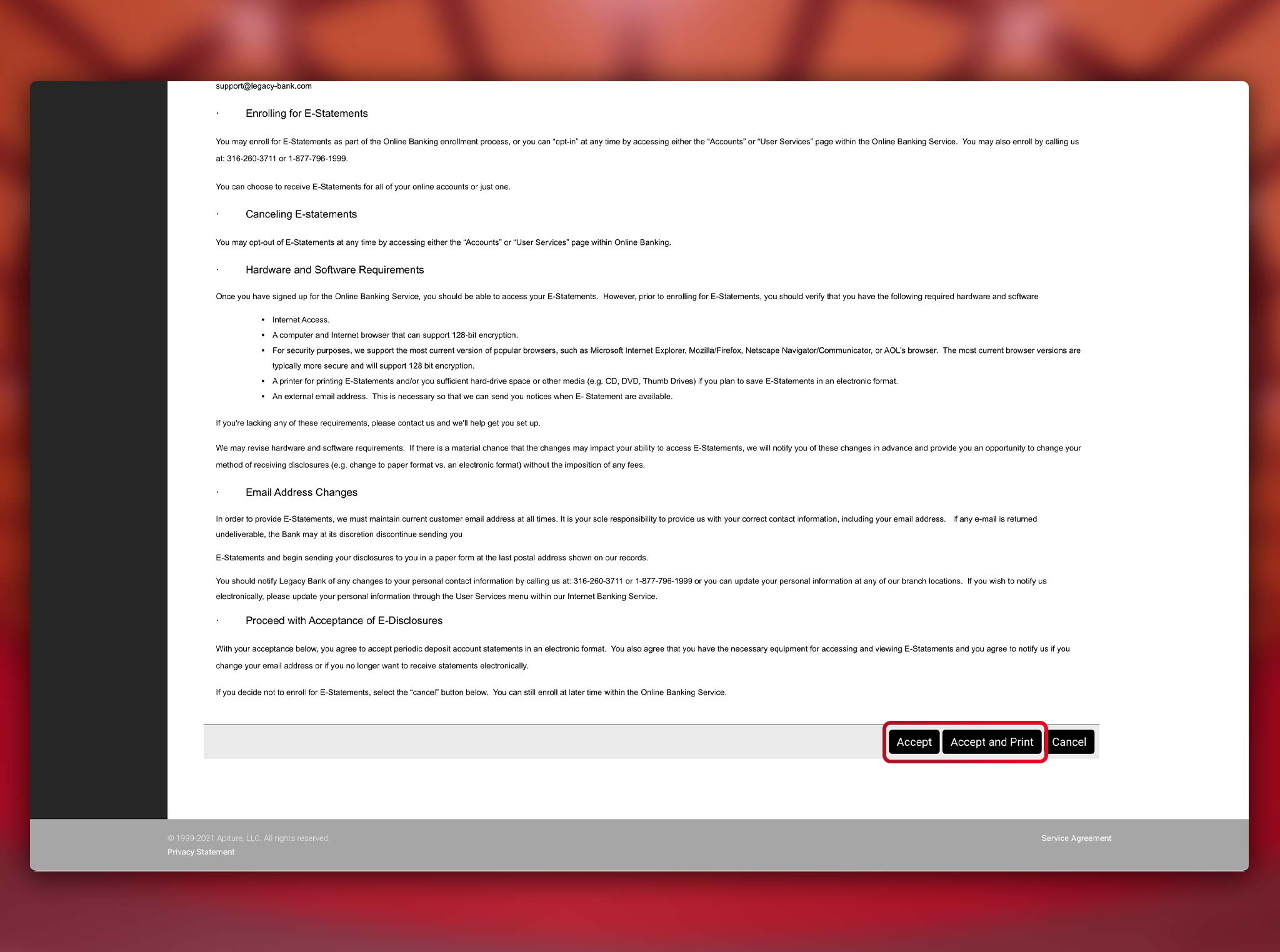
Click “Accept” at the bottom of the Electronic Statement Disclosure.
Access Statements
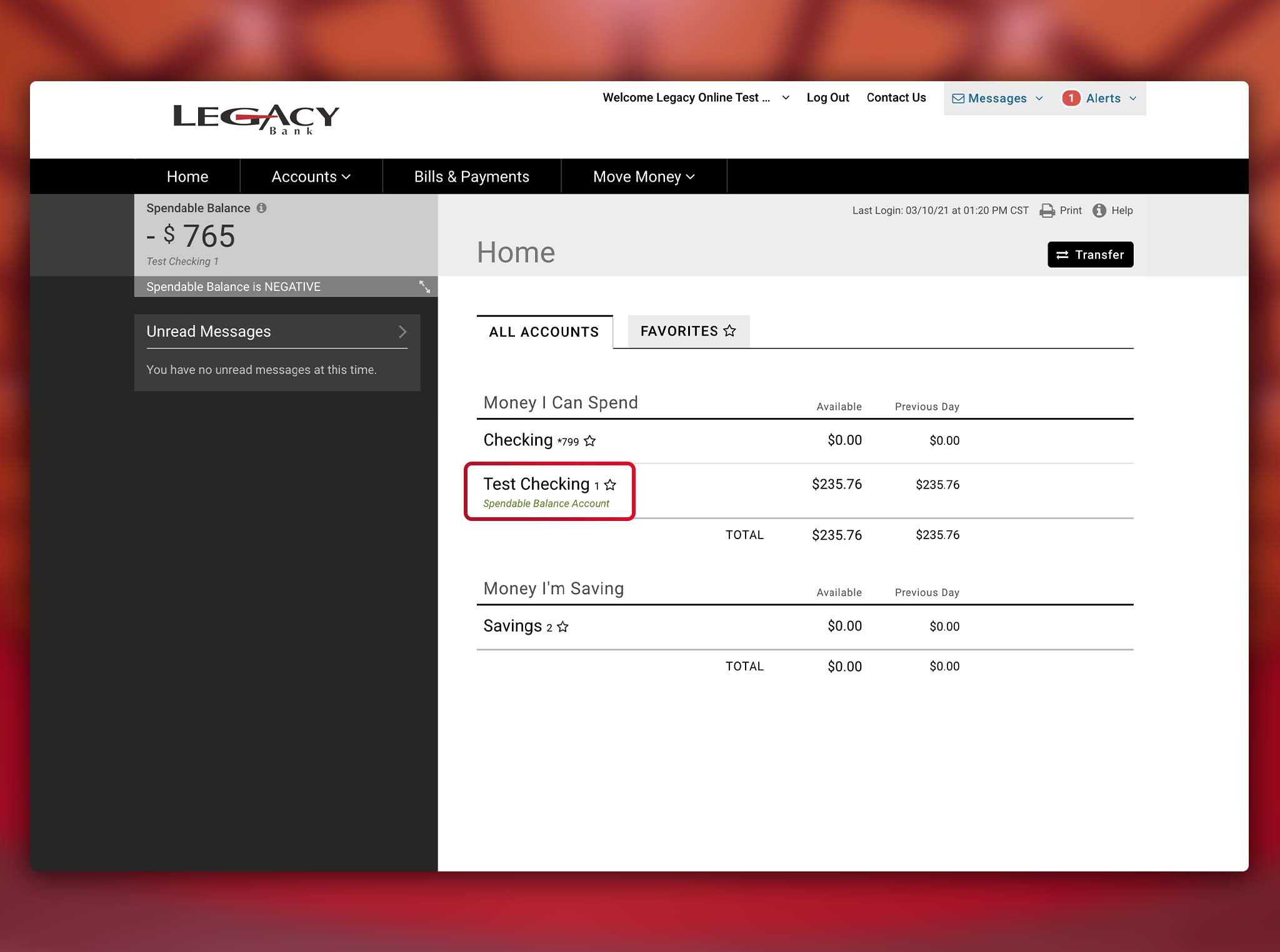
Click on the “All Accounts” tab and select the account for which you would like to access electronic statements.
View Statements

Click “Statements” on the right side of the screen to view your electronic statements.
Legacy Bank Help Center
Related Articles

