


How to Use A Contactless Card
Contactless payments have become increasingly popular in recent years, offering a safe, secure, and convenient way to make purchases without physically swiping or inserting your card into a payment terminal. This payment method employs advanced encryption technology, which adds a layer of security to the transaction. It minimizes the risk of unauthorized access to your financial information, making it a safer way to shop.
Look

Make sure your card has the Contactless Indicator  on it, then find the Contactless Symbol
  at checkout.
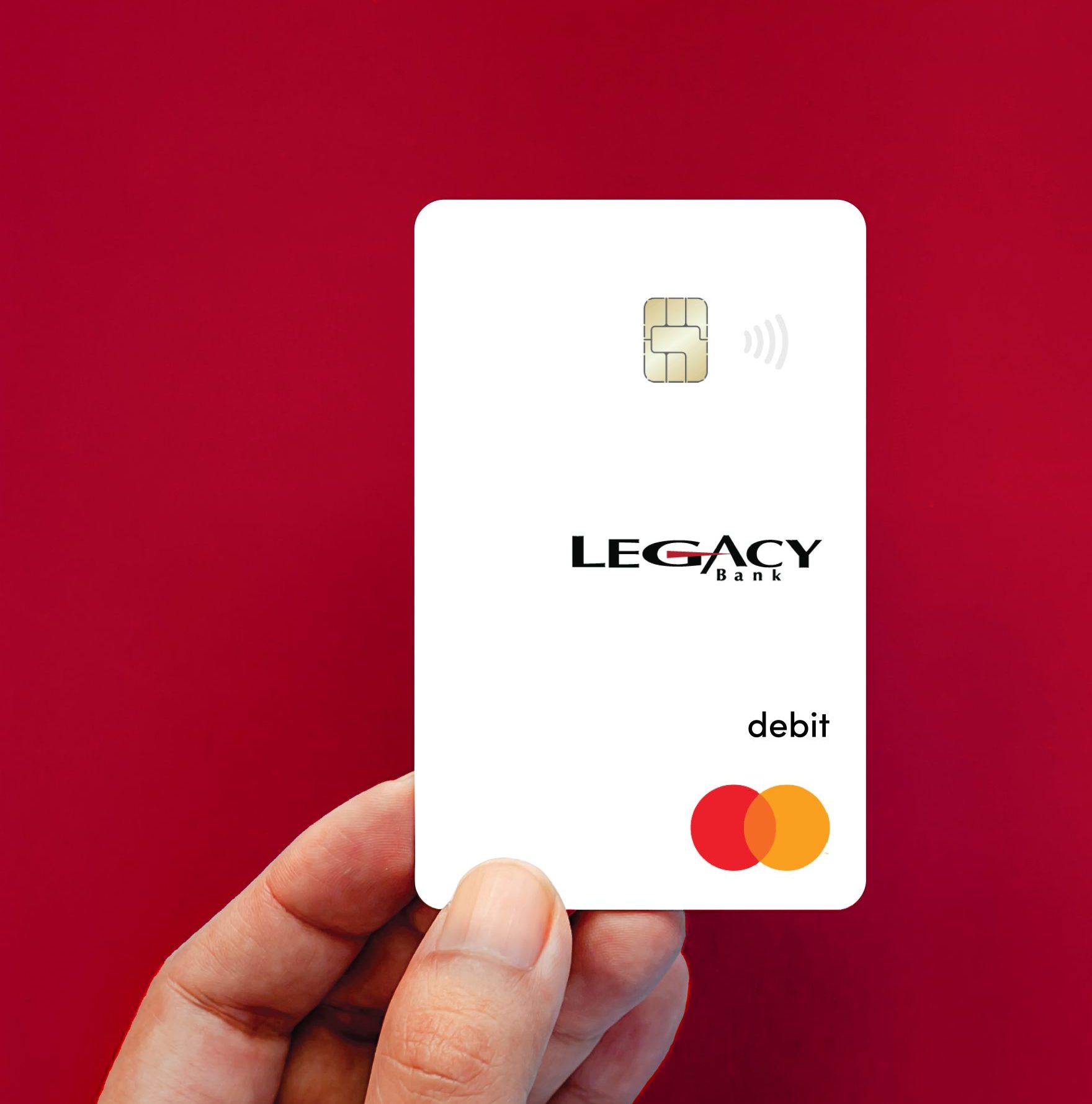
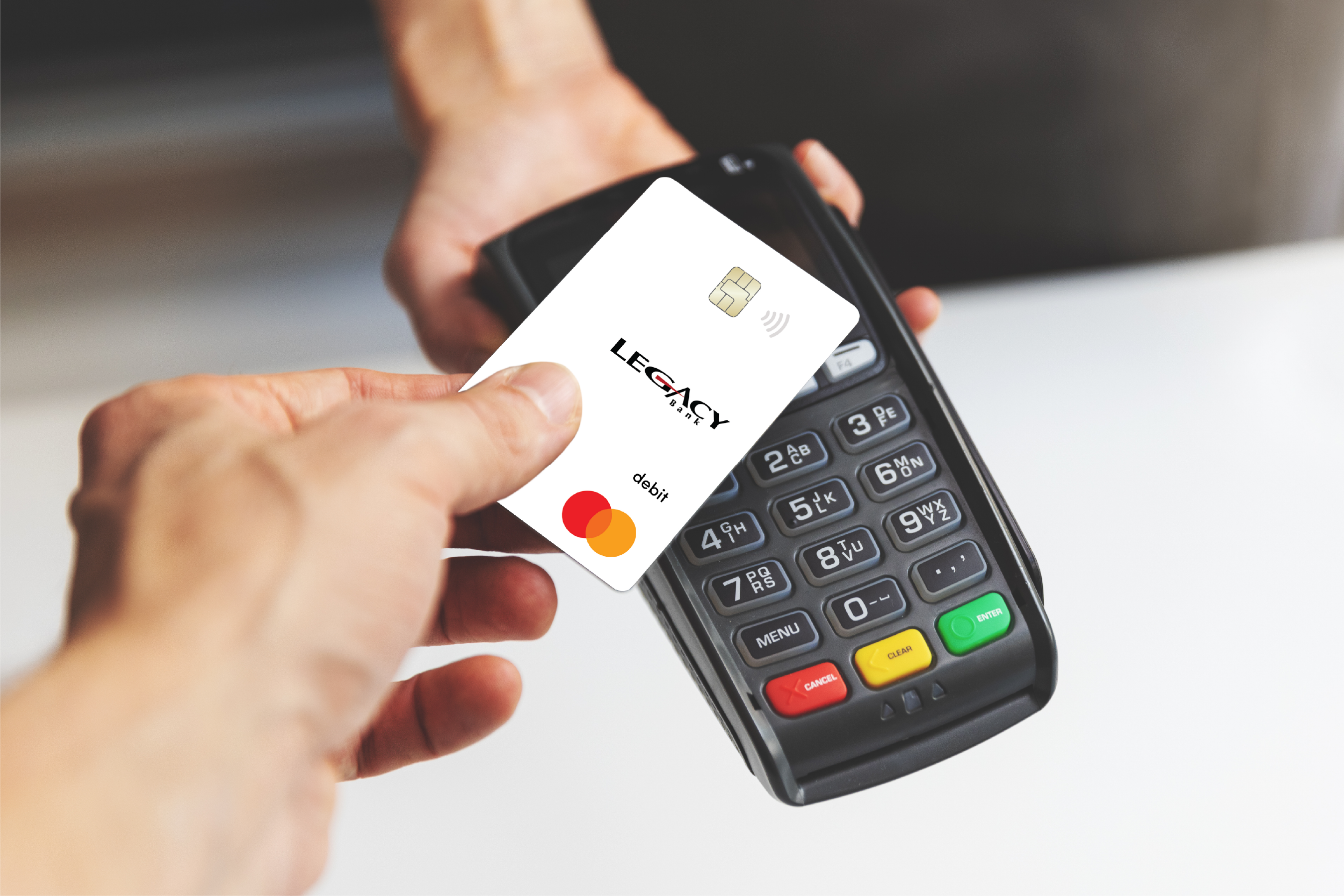
Tap

When prompted, simply tap your contactless card over the Contactless Symbol to make a payment.
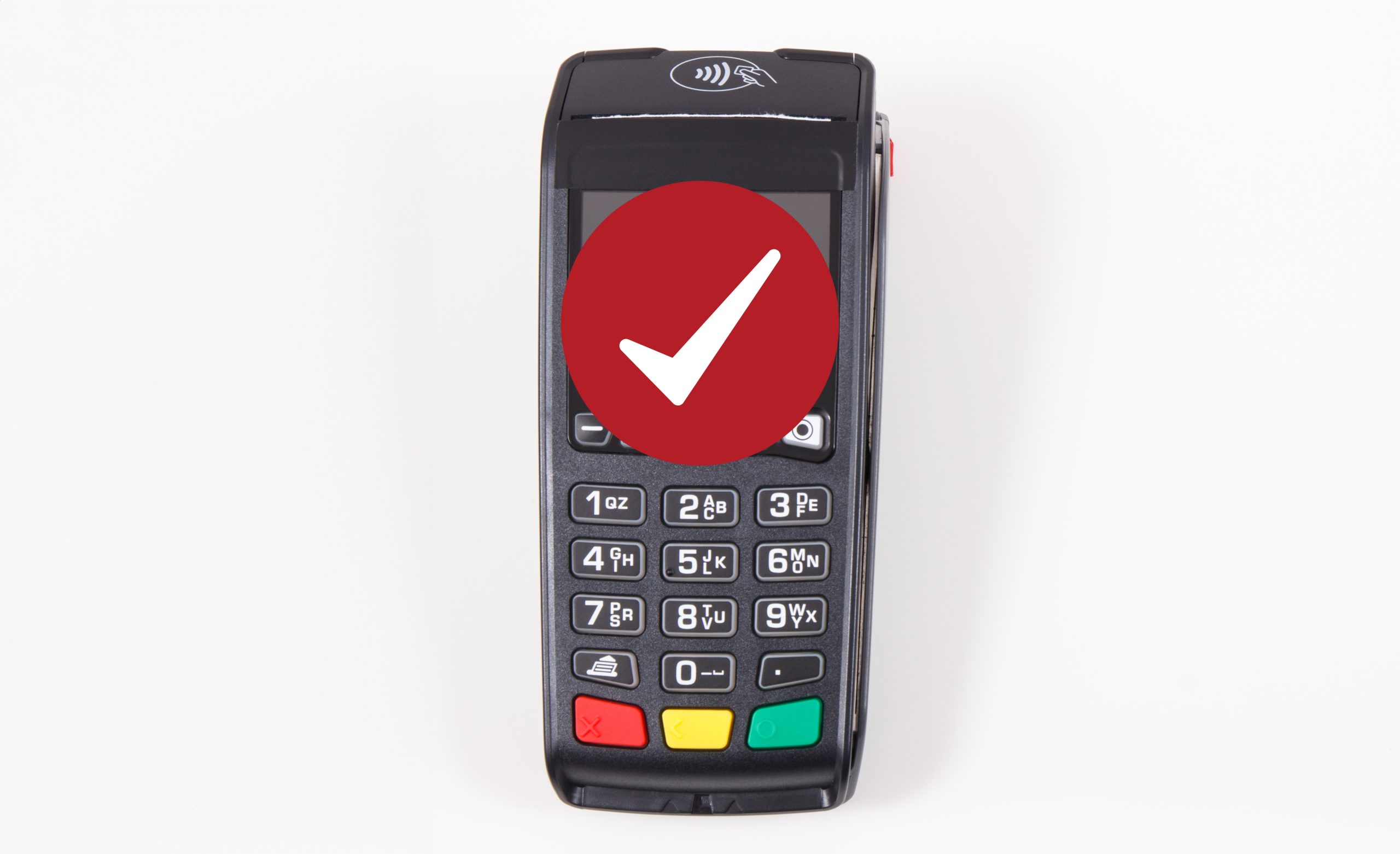
Go

Your payment is processed in seconds. Once your payment is confirmed, you’re good to go.
FAQ
-
What is the technology behind tap to pay?
Show MoreLessTap to pay uses short‐range wireless technology to make secure payments between a contactless card and a contactless‐enabled checkout terminal. When you tap near the Contactless Symbol
, your payment is sent for authorization. -
Do I actually have to tap my card on the checkout terminal?
Show MoreLessNo, actual tapping is not necessary. Your card needs to be within 1‐2 inches of the Contactless Symbol
to initiate a payment. It works best when your contactless card is held flat over the Contactless Symbol , versus held at an angle. -
Can I still swipe/insert my contactless card even if I don't see the Contactless Symbol at the checkout terminal?
Show MoreLessYes. If you don’t see the Contactless Symbol
on the checkout terminal, you can still swipe or insert your contactless card. -
Can I use my contactless card to tap to pay outside the U.S.?
Show MoreLessYes. You can tap to pay at millions of places around the world, wherever you see the Contactless Symbol
. In countries like Australia, Canada, the UK and France, over half of retailers currently accept contactless payments. If tapping to pay is not available at a location, you can simply swipe or insert your contactless card at checkout. -
Is tapping to pay safe?
Show MoreLess -
What information is transmitted from my card when I tap to pay?
Show MoreLess -
Can I unknowingly make a purchase if I am in close proximity to a contactless‐enabled payment terminal?
Show MoreLess -
Can I be charged twice if I have more than one contactless card in my wallet?
Show MoreLess
Recent Articles

